Payment analytics
Payment analytics: connect Stripe, Razorpay, Cashfree and more
Lantern connects to seven payment providers and shows revenue by channel, referrer, campaign, country and landing page, so you know which marketing pays.


Pick your payment provider
- RazorpayWebhook, optional key for history
- CashfreeWebhook
- StripeRead-only key or webhook
- Dodo PaymentsRead-only key or webhook
- PaddleRead-only key or webhook
- PolarRead-only key or webhook
- Lemon SqueezyWebhook, optional key for history
What you get once payments are connected
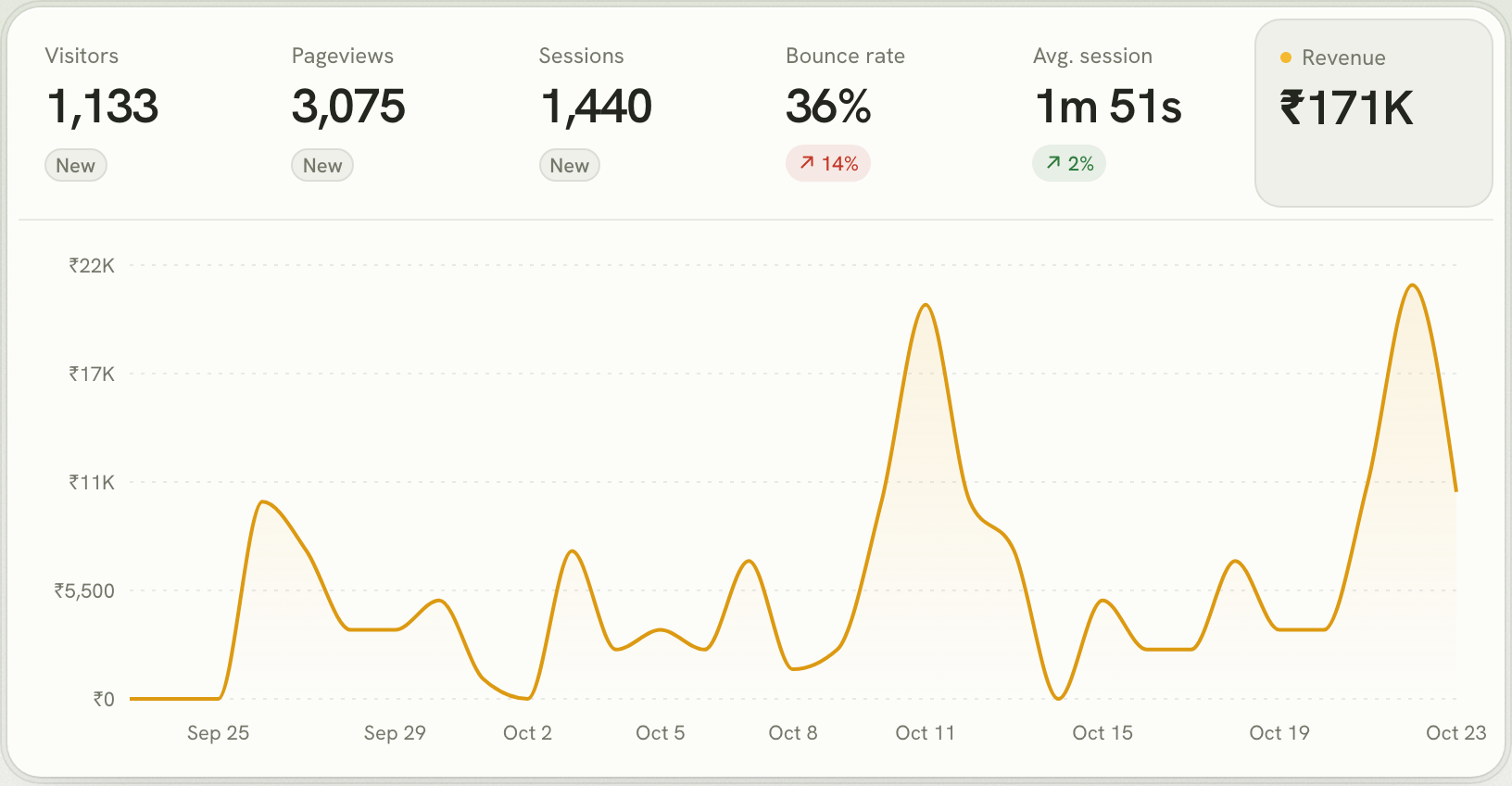
- Revenue on the dashboard you already use: a Revenue figure, a revenue chart, and a revenue column on sources, pages, countries and devices.
- First-touch credit: each customer's payments count for the channel that first brought them, not the last click.
- AI as a channel: see how much the visitors ChatGPT, Perplexity and Claude send you go on to pay.
- Your currency: paid in one currency, you see exactly that; paid in several, you see US dollars at each payment's own day rate.
Questions
Which payment providers does Lantern support?
Stripe, Razorpay, Cashfree, Dodo Payments, Paddle, Polar and Lemon Squeezy. You can connect several to the same site.
Can Lantern move money or issue refunds?
No. Lantern connects with webhooks or read-only keys. Where a provider's keys can't be limited (Razorpay, Lemon Squeezy), a key is optional and Lantern only reads with it.
How is a payment linked to a visit?
Add the visitor id to your checkout's metadata. Lantern also links payments through the same customer or subscription, and through identify(), so renewals and refunds follow the first payment.
New to revenue attribution? Start with how Lantern's revenue analytics works.